QR Share
Active Tab → Instant QR Code
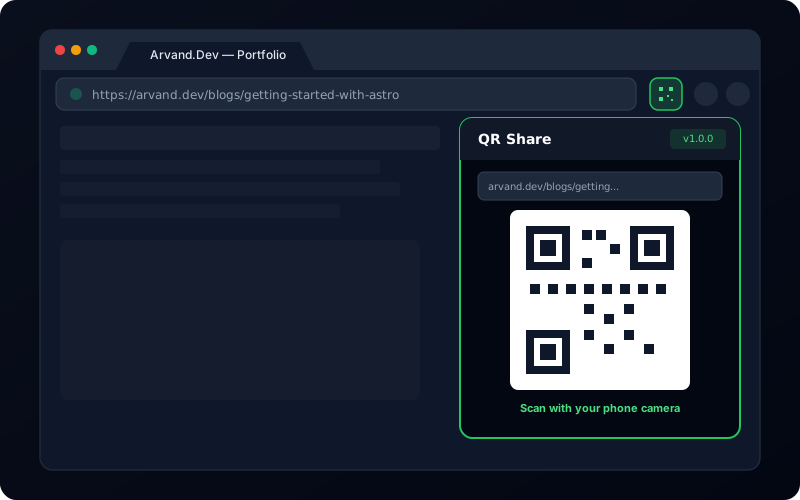
Effortlessly share what you're reading, watching, or browsing on your computer directly to your phone or tablet. QR Share converts your current browser tab's URL into a clean QR code in one single click — completely offline, private, and local.
Why Use QR Share?
Engineered for speed, privacy, and minimalist design. No bells and whistles you don't need — just instant cross-device URL sharing.
1-Click Generation
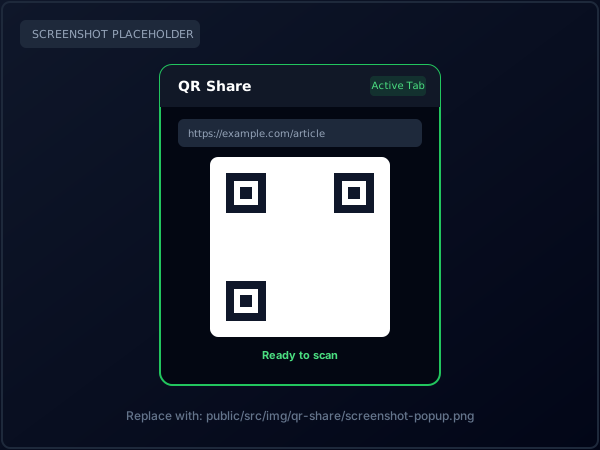
Click the extension icon in your toolbar, and the QR code for your current tab is created on the spot. No typing, copy-pasting, or extra steps required.
100% Private & Local
No tracking, no external server calls, no telemetry, and no saved browsing logs. All QR calculations occur securely inside your browser session.
Featherweight Footprint
Built on Manifest V3 with zero background processes. It consumes 0% CPU and memory when not opened, keeping your browser snappy and efficient.
How It Works
A seamless bridge between your computer and mobile device in three simple steps.
Navigate to the article, video, GitHub repository, or webpage you want to view on your mobile device.
Click the QR Share extension icon in your Chrome toolbar. The active tab's URL is instantly rendered as a QR code.
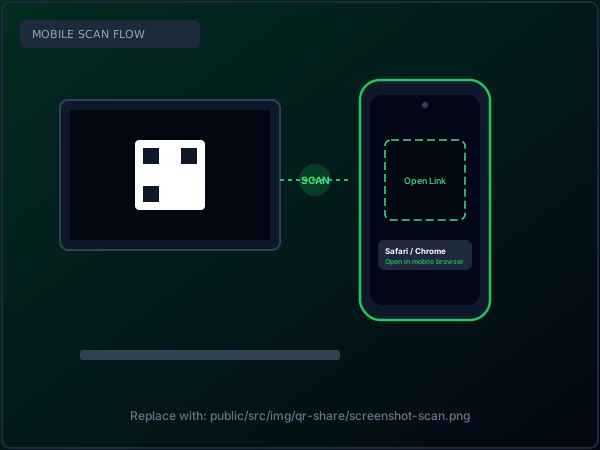
Point your smartphone or tablet camera at your screen to instantly open the link on your mobile browser.
Extension Screenshots
Clean, distraction-free popup design. See how it looks in everyday use.
Permissions Transparency & Single Purpose
In accordance with Google Chrome Web Store policies, QR Share adheres strictly to the single-purpose requirement. It requests a single permission:
Read our full policy here: QR Share Privacy Policy →
Frequently Asked Questions
Everything you need to know about using QR Share, troubleshooting issues, and reaching out for developer support.
Does QR Share work offline?
Yes! QR Share computes the QR code matrix completely in-memory inside the browser popup. It does not require an active internet connection to generate the QR code.
Why does it say "Cannot access page"?
Chrome's built-in security sandbox strictly blocks extensions from reading internal browser URLs (such as chrome://, chrome-extension://, or the Chrome Web Store itself). Navigate to any regular HTTP/HTTPS webpage and click again.
Is my browsing history tracked or saved?
Never. The URL of the tab is fetched only when you click the extension, converted into visual pixels, and cleared when the popup closes. No history, logs, or analytics exist.
Which mobile devices and apps can scan it?
Any modern smartphone or tablet: Apple iOS Camera app, Android Camera app, Google Lens, or any standard QR scanner app will recognize the code and open the link instantly.
Need Direct Assistance or Found a Bug?
If you encounter any unexpected behavior, have an issue with QR code rendering, or want to suggest a new feature, please reach out directly.